
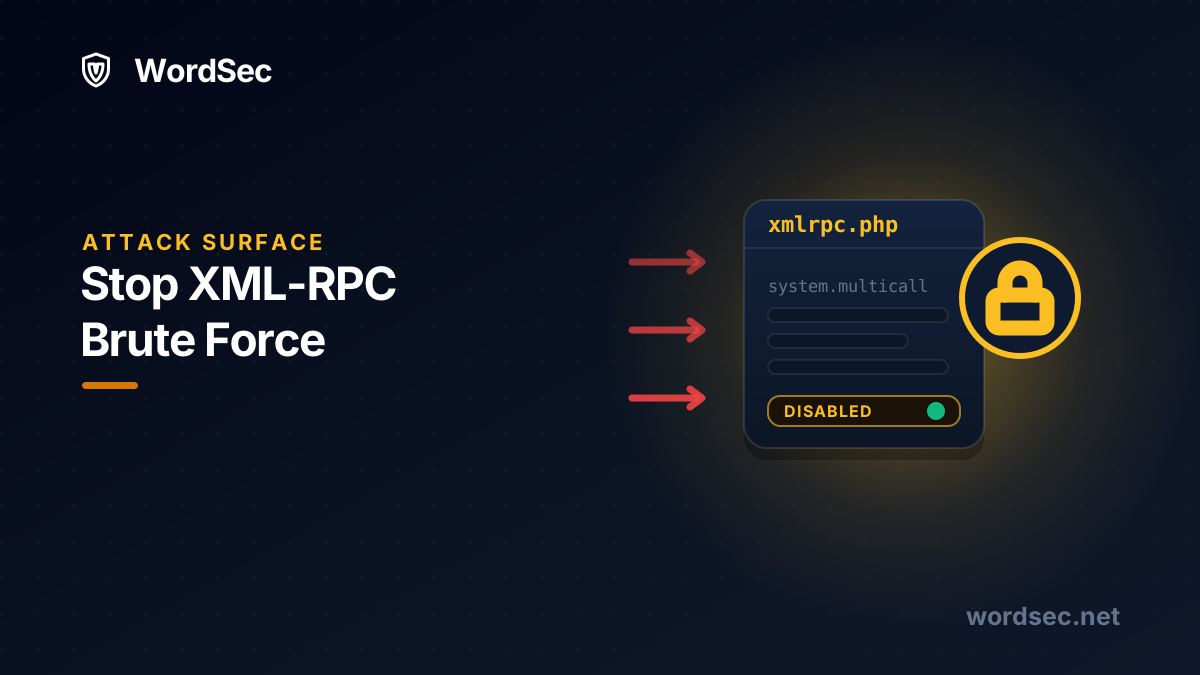
If you protect wp-login.php and call it a day, you have locked the front door and left a side entrance wide open. Every WordPress installation ships with a second authentication endpoint, xmlrpc.php, and for attackers it is not just an alternative door. It is a better one, because a single XML-RPC request can carry hundreds of login attempts at once.
Botnets know this, which is why sites that have never seen their login page attacked still show a steady stream of POST requests to xmlrpc.php in their logs. This guide explains how the attack works, how to check whether you are a target, and how to stop it with WordSec in a few minutes.
What is xmlrpc.php and why do attackers love it?
XML-RPC is a remote procedure protocol from WordPress's early days. It powered remote publishing tools, the old mobile apps, and pingbacks, jobs that the modern REST API has since taken over almost entirely. The file still ships enabled in every WordPress install for backward compatibility.
Attackers abuse it in two main ways:
- Amplified brute force. The
system.multicallmethod lets one HTTP request bundle many method calls. An attacker packs hundreds of username and password pairs into a single request, and WordPress obligingly checks them all. Login rate limits that count requests see one attempt; the attacker just tested five hundred. - Pingback abuse. The pingback feature can be turned around to make your server send requests at a victim, drafting your site into someone else's attack while burning your resources and reputation.
The combination of high value and near-zero legitimate use makes xmlrpc.php an easy call for most sites: turn it off.
Step 1: Check if you are being attacked right now
Before changing anything, look at the evidence. Install WordSec, then open the Live Traffic module and filter for xmlrpc.php. On most public sites you will see the hits within minutes: POST requests from rotating IPs, often several per second during a campaign. The firewall logs show the same picture with full request context, and the login attempt logs in Login Security reveal whether the guesses are reaching authentication.
Seeing zero XML-RPC traffic does not mean you are safe next week. It means you have time to close the door calmly.
Step 2: Decide whether anything you use needs XML-RPC
For most sites the answer is no, but check before you switch it off. You might still need XML-RPC if you use:
- The Jetpack plugin, some of whose features connect through XML-RPC.
- Legacy remote-publishing clients or very old mobile publishing apps.
- Third-party services that explicitly document XML-RPC as their connection method.
If none of these apply, disable it fully. If one does, skip to Step 4 and lock the endpoint down instead of removing it.
Step 3: Disable XML-RPC with one toggle
Open WordSec's Firewall module and its hardening section, which bundles more than 25 one-click toggles. Find Disable XML-RPC and switch it on. That is the whole procedure: no .htaccess editing, no code snippets in functions.php, and the change is just as easy to reverse if a tool you install next year turns out to need the endpoint.
While you are in the hardening section, also enable block user enumeration. Brute force needs two ingredients, usernames and password guesses, and user enumeration hands attackers the first one through author archives and the REST API. Cutting it off weakens every credential attack against your site, not just the XML-RPC variant.
Hardening toggles, including XML-RPC and user enumeration controls, are part of WordSec's free plan, so this entire guide costs you nothing.
Step 4: If you must keep XML-RPC, contain it
Some sites genuinely need the endpoint alive. In that case, wrap it in layers so it stops being the cheap target:
- Brute-force protection: WordSec's lockouts count failed authentications rather than raw requests, so a multicall bundle of wrong passwords still trips the limit and bans the source IP.
- Rate limiting: in the Blocking module, throttle clients hammering a single endpoint at bot speed.
- Bad bot blocking: the firewall's bot rules stop known malicious crawlers and vulnerability scanners before they reach PHP at all.
- Geoblocking: if your remote publishing happens from one country, block the regions the attacks come from, or whitelist only your own.
- Strong passwords and 2FA: with WordSec's leaked-password check and role-based two-factor authentication, even a correct guess stops mattering. The full setup is in How to Stop Brute Force Attacks on WordPress.
Step 5: Watch the attack die off
After disabling or containing XML-RPC, go back to Live Traffic and the firewall logs. The pattern is satisfying to watch: the bots keep knocking for a while, collect their denials, and move on to softer targets. The Blocking module's banned list fills with the IPs that pushed too hard, each entry recorded with its reason.
Keep the Alarm module's login-related notifications on afterward. If a new campaign starts probing a different door, you hear about it in email, Telegram, or Slack in real time rather than in next month's log review.
A quick recap
To stop XML-RPC brute force attacks in WordPress:
- Confirm the attack in Live Traffic and the firewall logs.
- Check whether Jetpack or a legacy tool actually needs XML-RPC.
- If not, disable XML-RPC with WordSec's hardening toggle.
- Enable user enumeration blocking alongside it.
- If you must keep it, contain it with lockouts, rate limiting, bot blocking, and geo rules.
- Keep alarms on so the next campaign announces itself.
Frequently asked questions
Should I disable xmlrpc.php in WordPress?
For most modern sites, yes. The REST API handles nearly everything XML-RPC once did, while XML-RPC remains a favorite brute-force and abuse vector. Disable it unless a specific tool you rely on documents that it needs the endpoint.
Will disabling XML-RPC break Jetpack or my mobile app?
Some Jetpack features connect through XML-RPC, and very old publishing apps do too. The current WordPress mobile apps primarily use the REST API. Check your stack in Step 2, and remember the toggle is reversible in one click if something unexpected complains.
Why is XML-RPC brute force worse than normal login attacks?
Because of amplification. The system.multicall method lets one request carry hundreds of credential guesses, so naive per-request rate limiting undercounts the attack by orders of magnitude. Defenses have to count authentication failures, which is how WordSec's brute-force protection works.
Can I block xmlrpc.php with .htaccess instead of a plugin?
You can, if you are comfortable editing server config: a deny rule on the file achieves the block on Apache. A hardening toggle does the same job reversibly, works regardless of your server stack, and sits next to the lockouts, logs, and alarms you will want anyway.
How do I know if XML-RPC attacks are hitting my site?
Look for POST requests to xmlrpc.php in your traffic. WordSec's Live Traffic module shows them in real time and lets you browse history, and the login attempt logs show whether the credential guesses inside those requests are reaching authentication.
Close the side entrance now: install WordSec free, flip the XML-RPC toggle, and then finish the job with the complete WordPress security guide.